
Digital signage for retail stores
Window screens that stop foot traffic, in-store promos that move inventory, and sale changeovers done from the back office — no ladder, no vinyl, no reprints.
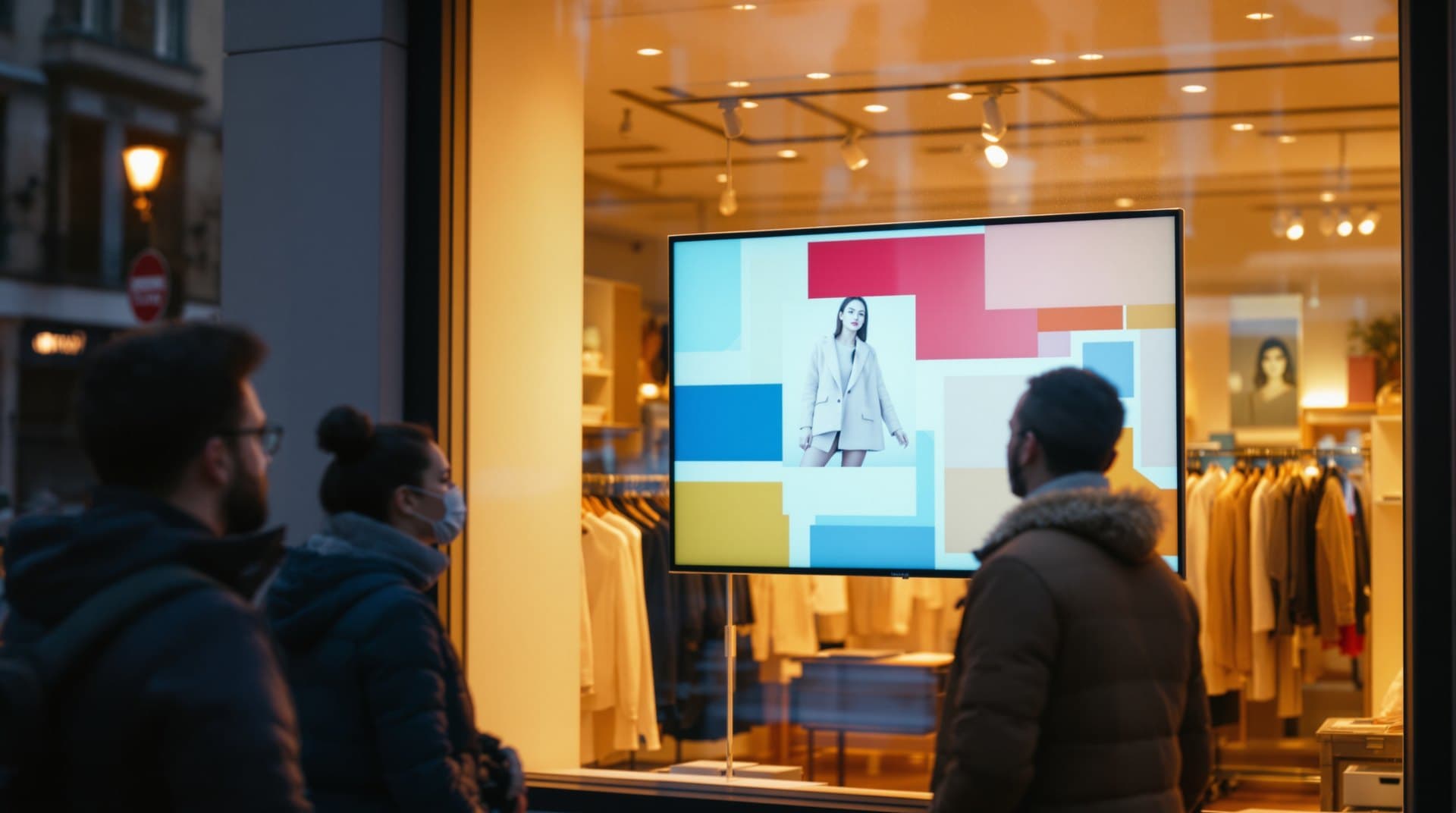
Window Traffic-Stopper
A bright, moving window display outperforms any poster. Run new arrivals, offers, and brand video facing the street — and change the whole window from your desk in seconds.
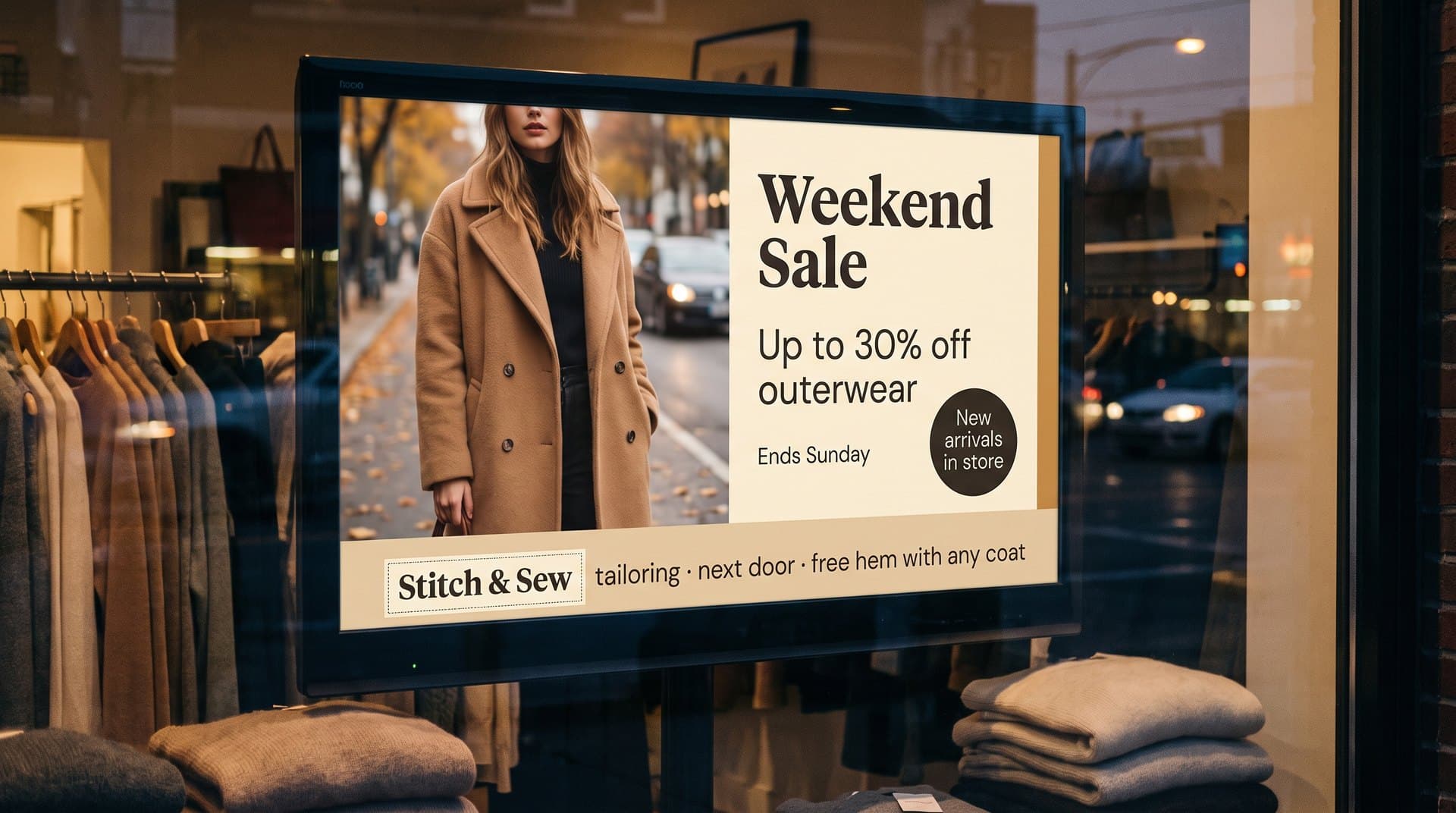
Sale Changeover Button
When the sale starts, every screen in the store switches at once — schedule it in advance and the Friday 9am changeover happens without a single ladder or printed sign.
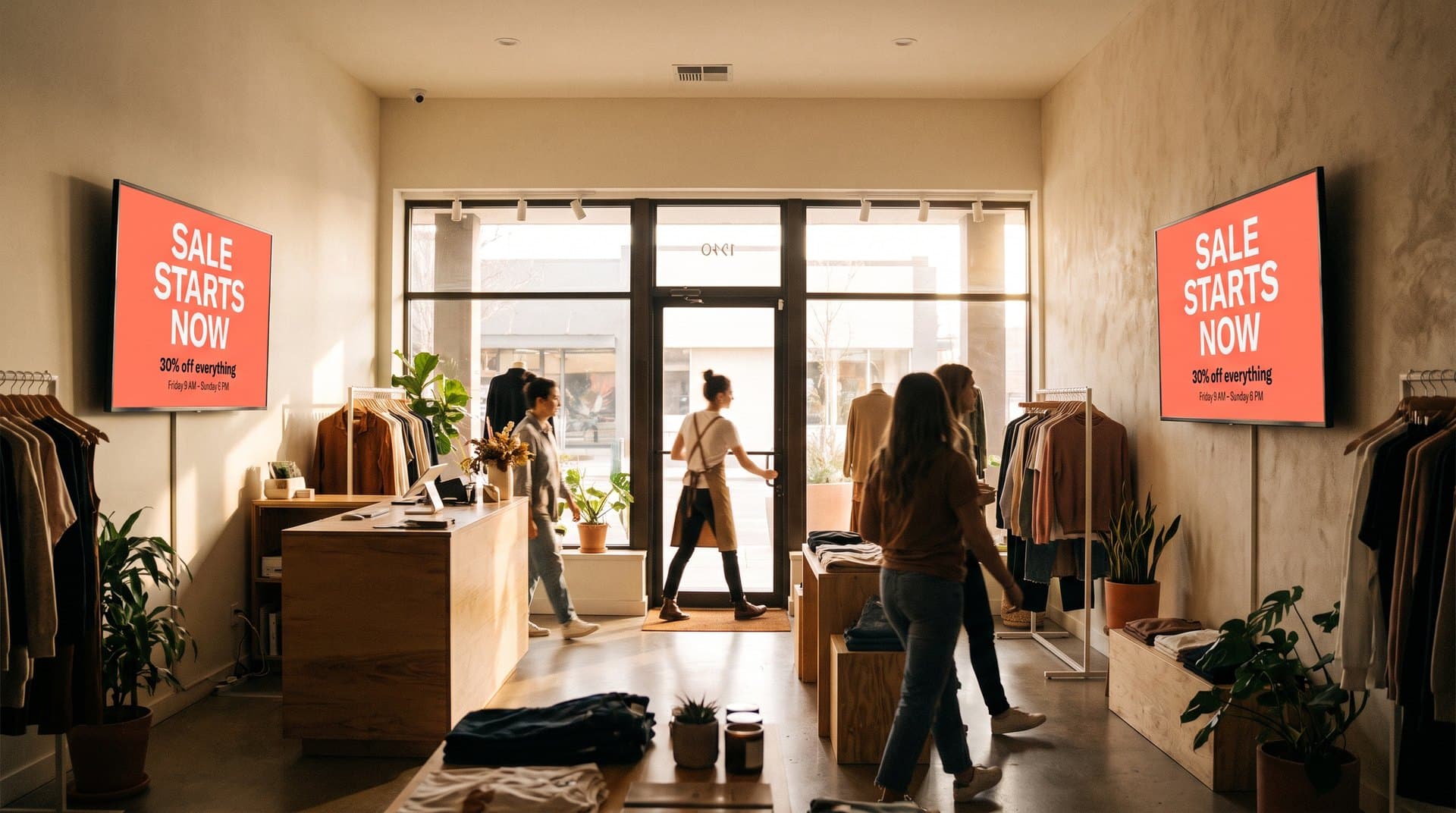
New-Arrivals Loop
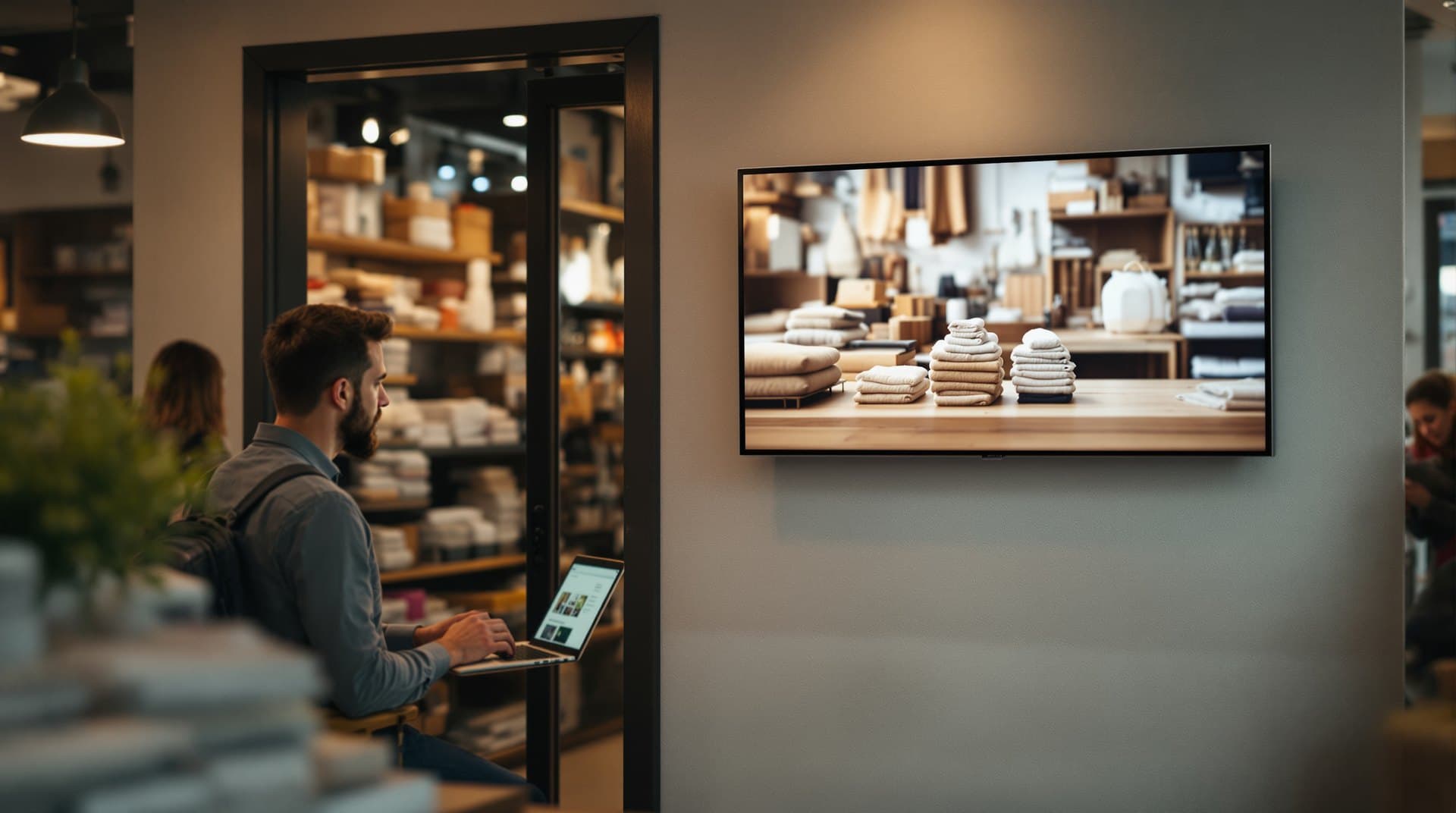
This week's products, styled and rotating near the entrance. Keep the loop fresh with per-item timing, and retire items as they sell through — all from one media library.
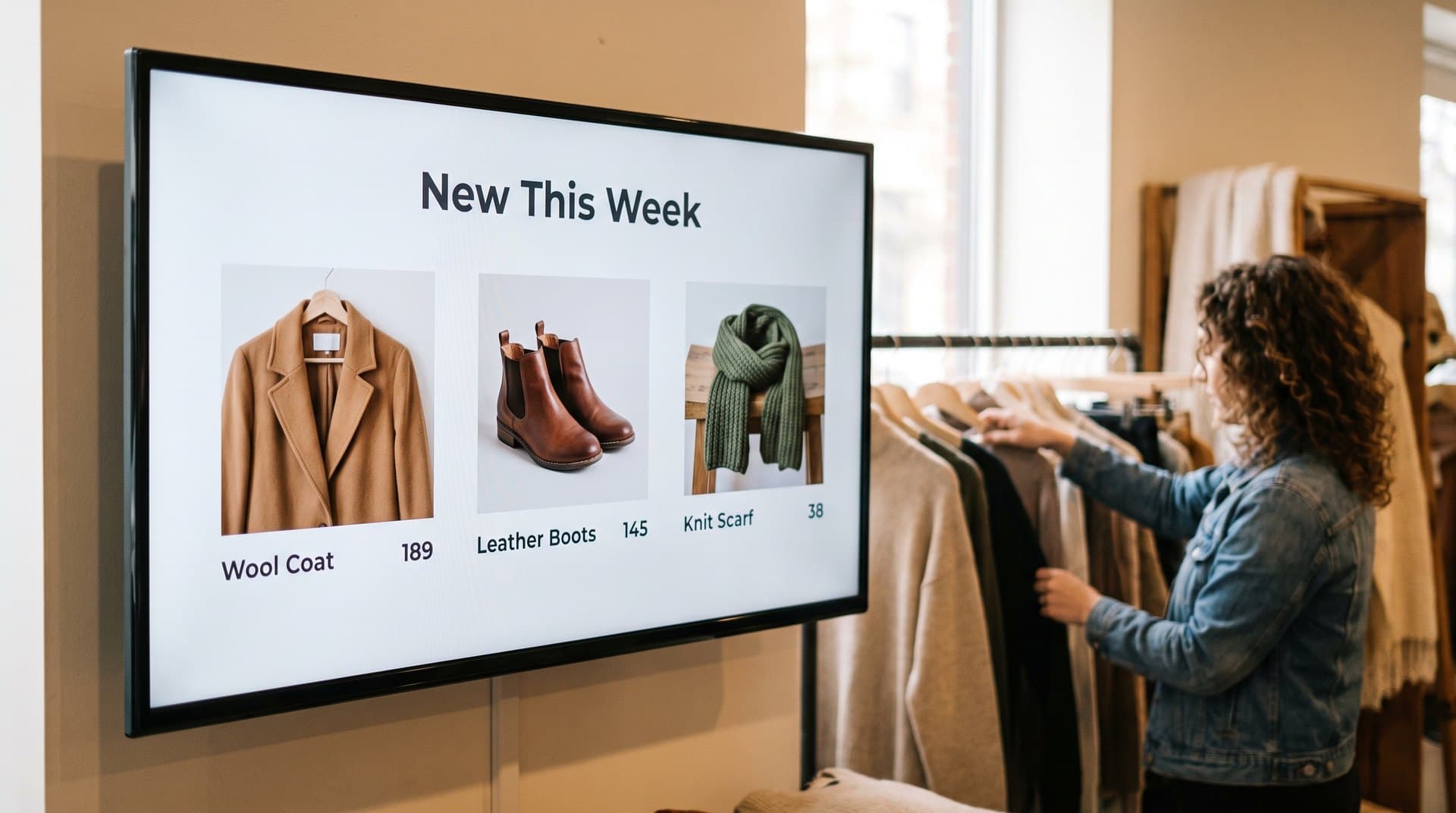
Aisle-End Promoter
Every screen can carry its own message: clearance at the back, premium up front, seasonal by the door. One dashboard shows them all with live online status.
Local Ad Partnerships
Complementary local businesses — the tailor, the cafe next door, the framer — will pay to be on your screens. Approve what fits your brand and keep 70% of every booking.

The only signage that pays you back
Retail screens see real foot traffic, and PiAds is built to monetize it: the local ad marketplace lets nearby businesses book time on your screens, with every ad subject to your approval and 70% of revenue staying with you. A single window screen facing a busy sidewalk is genuinely valuable inventory.
Built for store owners and managers, not IT teams
Digital signage for retail, answered
Can I run a screen facing the street window?
Yes — a standard TV behind the glass with brightness turned up works well for most storefronts. Schedule street-facing content separately from in-store screens.
How do sale changeovers work?
Build the sale content ahead of time and schedule it. At the start time, every screen you selected switches together — and switches back when the sale ends.
What hardware do I need?
TVs you own plus a Fire TV Stick, Android device, Raspberry Pi, or browser per screen. No proprietary players.
Can head office manage multiple locations?
Yes — all screens across locations live in one dashboard, each with live status, and you can update any of them from anywhere.
Do I need a designer?
No — most stores use Canva templates or supplier-provided assets. Upload an image and it's on screen.
What does it cost?
$0 for participating screens that enable approved marketplace ad slots. Retailers keep 70% of cleared ad revenue.
Can I control exactly which ads appear?
Every ad requires your approval before it runs, and you choose which screens and hours are open to ads at all.
What happens if a screen loses connection?
It keeps playing cached content and reconnects automatically — and the dashboard shows you the moment any screen goes offline.
Keep reading
Screens up in minutes. Use the TV you already own.
$0 for participating screens with approved ad slots — and your venue keeps 70% of cleared revenue.