
Digital signage for Airbnbs and short-term rentals
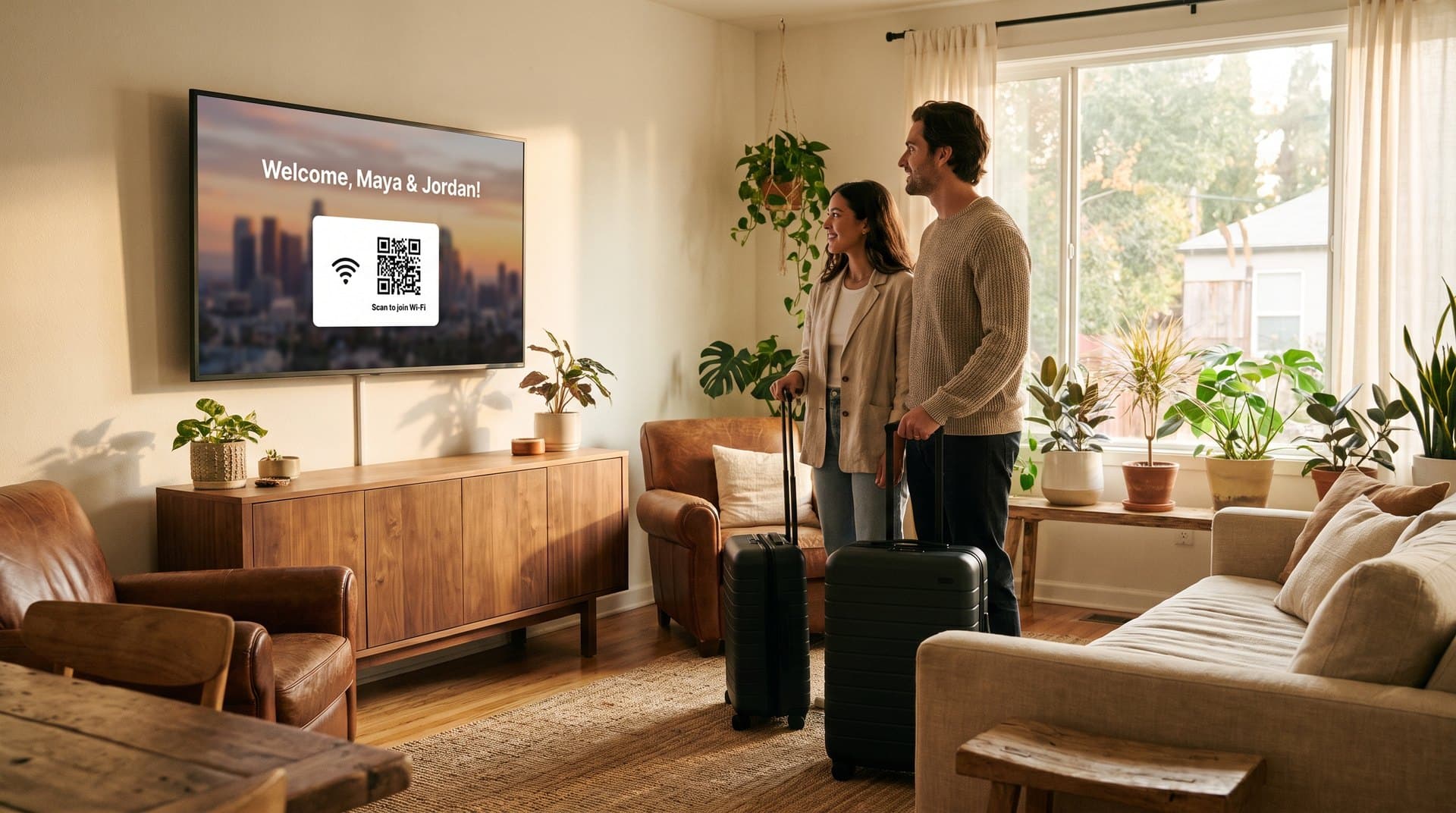
The TV your guests turn on first becomes the welcome screen: their names, the Wi-Fi QR code, house rules, checkout time, and the best spots nearby — updated for every booking from your phone, and earning from local restaurants and tours between stays.
How it works
Put PiAds on your TV
Install the PiAds Player on a Fire TV Stick, an Android TV or Google TV, or open it in the TV's browser. The TV shows a short code — type it into the Guests page and the screen is yours.
Set up the welcome screen
Fill in the guest's name, your welcome message, the Wi-Fi details, checkout time, house notes, and local picks chosen from real Google listings. A live preview shows the TV as you type. Save and it's up.
Collect guest emails
The TV shows a QR code. Guests scan it, give a name and email, and then see the Wi-Fi and house guide. You get an email for each new guest and can export the whole list as CSV. PiAds never emails them — that's yours.
FOR PROPERTY MANAGERS
One portfolio.
Every stay, personal.
A consistent guest experience across your properties, with room for what makes each one special. Manage the screens from one place and refresh the details before every arrival.
- See your properties’ screens and online status.
- Give each property its own welcome and house guide.
- Update guest details remotely between stays.
The Coastal House
A place by the water
Beach towels are in the hall cupboard.
Guest Welcome Screen
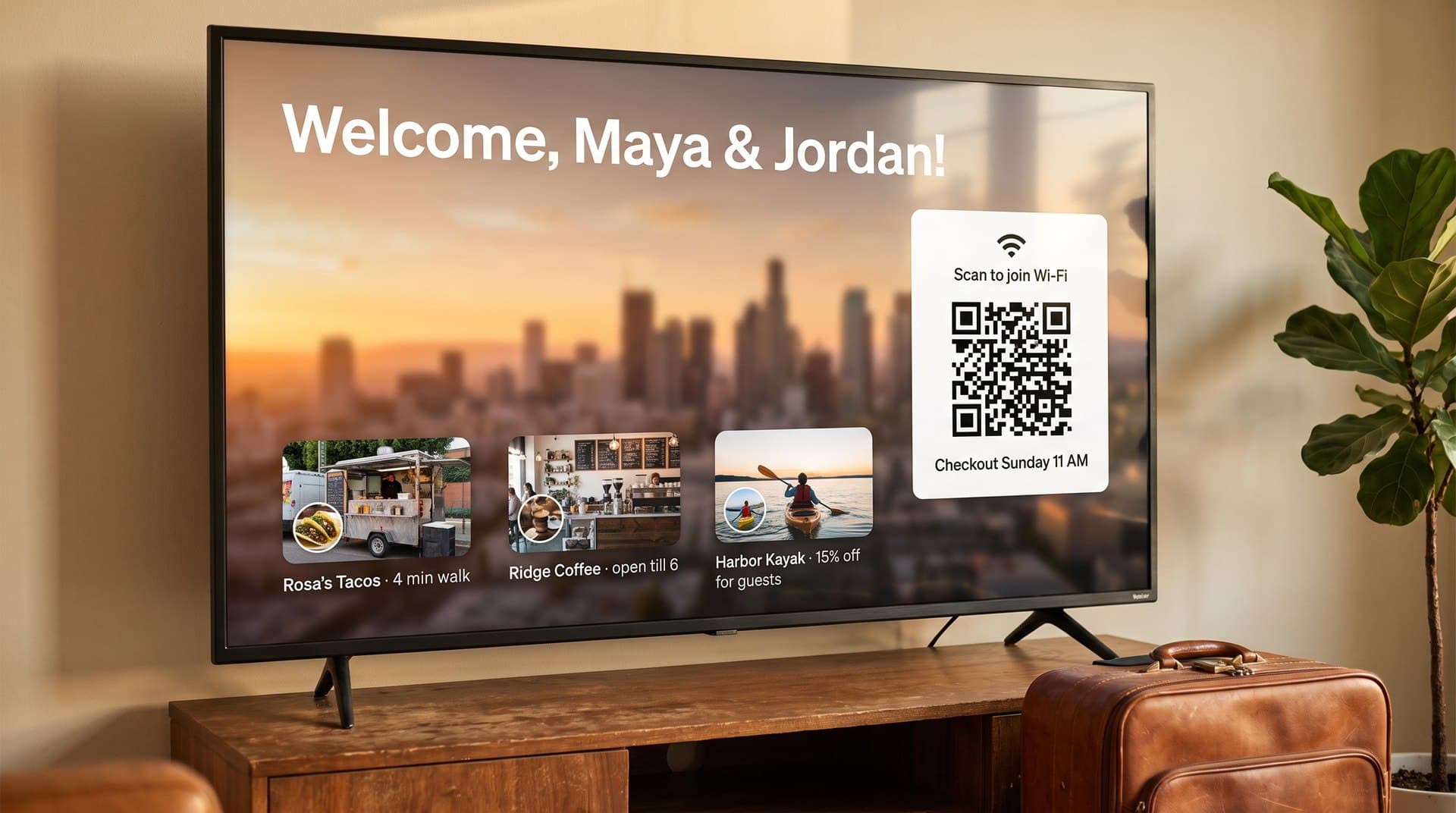
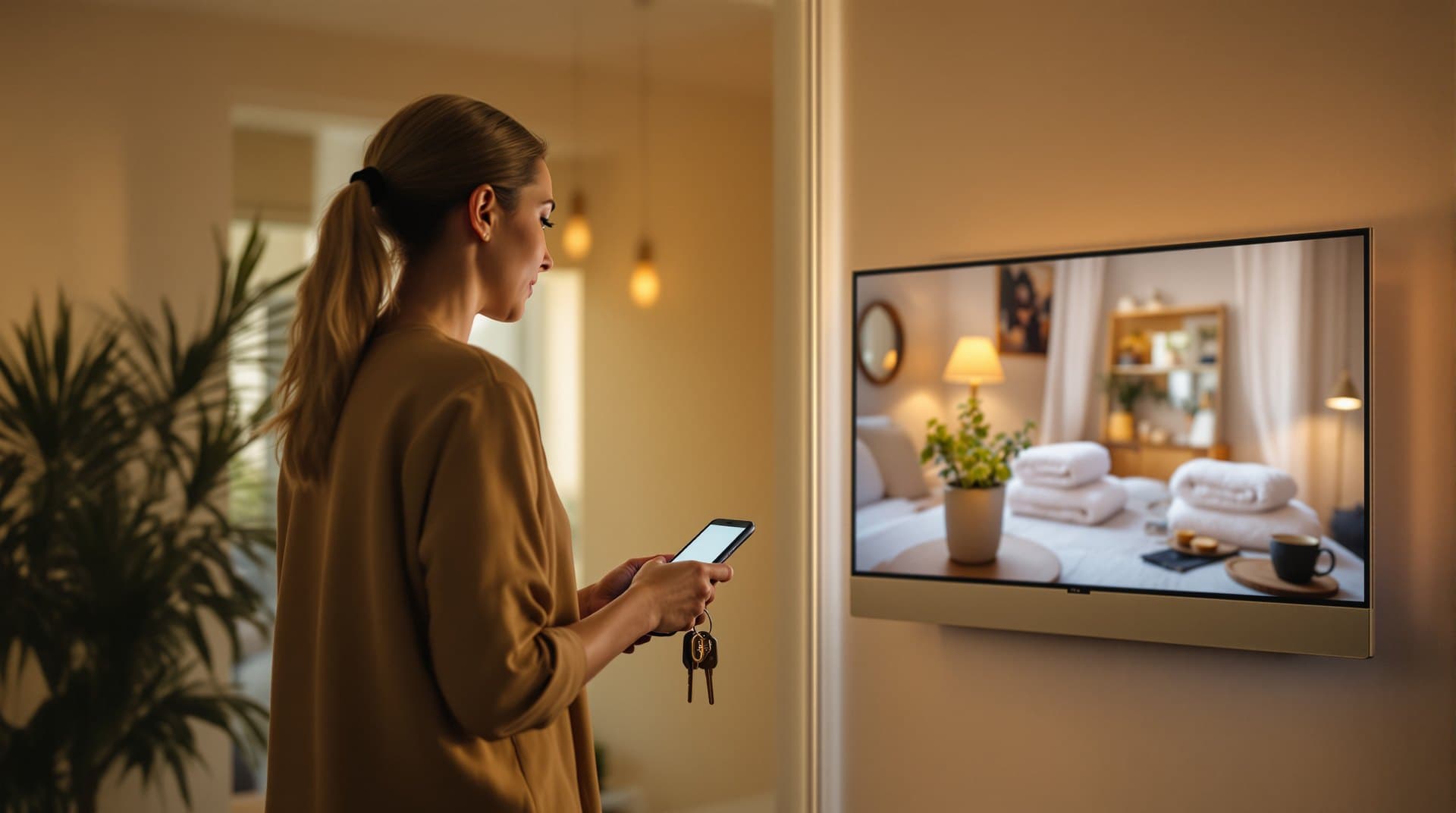
Guests walk in, the TV says hello by name, and the Wi-Fi QR code is right there — no laminated card, no 'what's the password' text at 11pm. Update the names from your phone before each check-in, or reuse a standing template.
Wi-Fi & House Rules Card
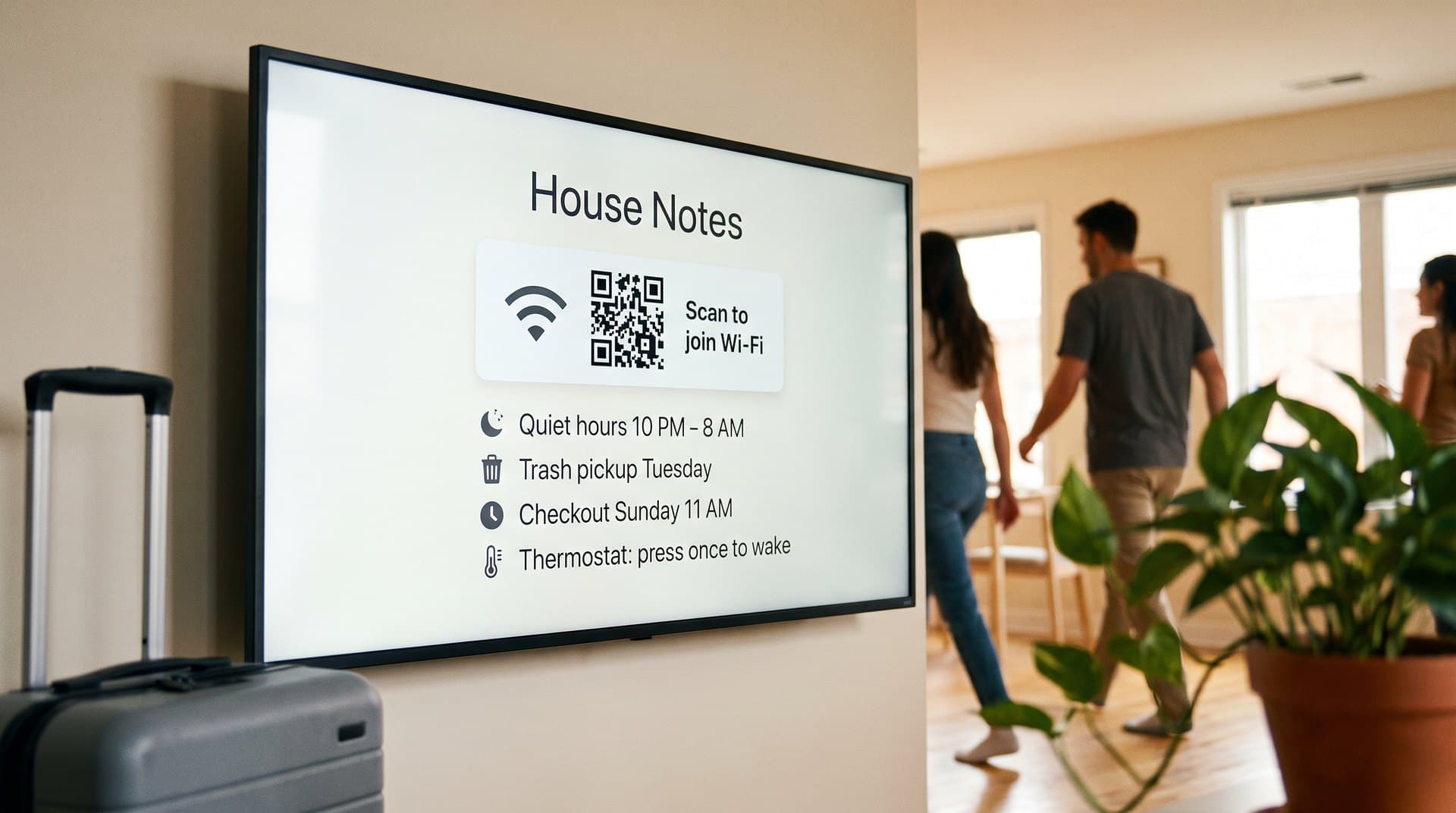
Scan-to-join Wi-Fi, quiet hours, trash day, checkout time, and how the thermostat works — the questions that generate 80% of your messages, answered on the screen before anyone asks.
Local Picks Rotator
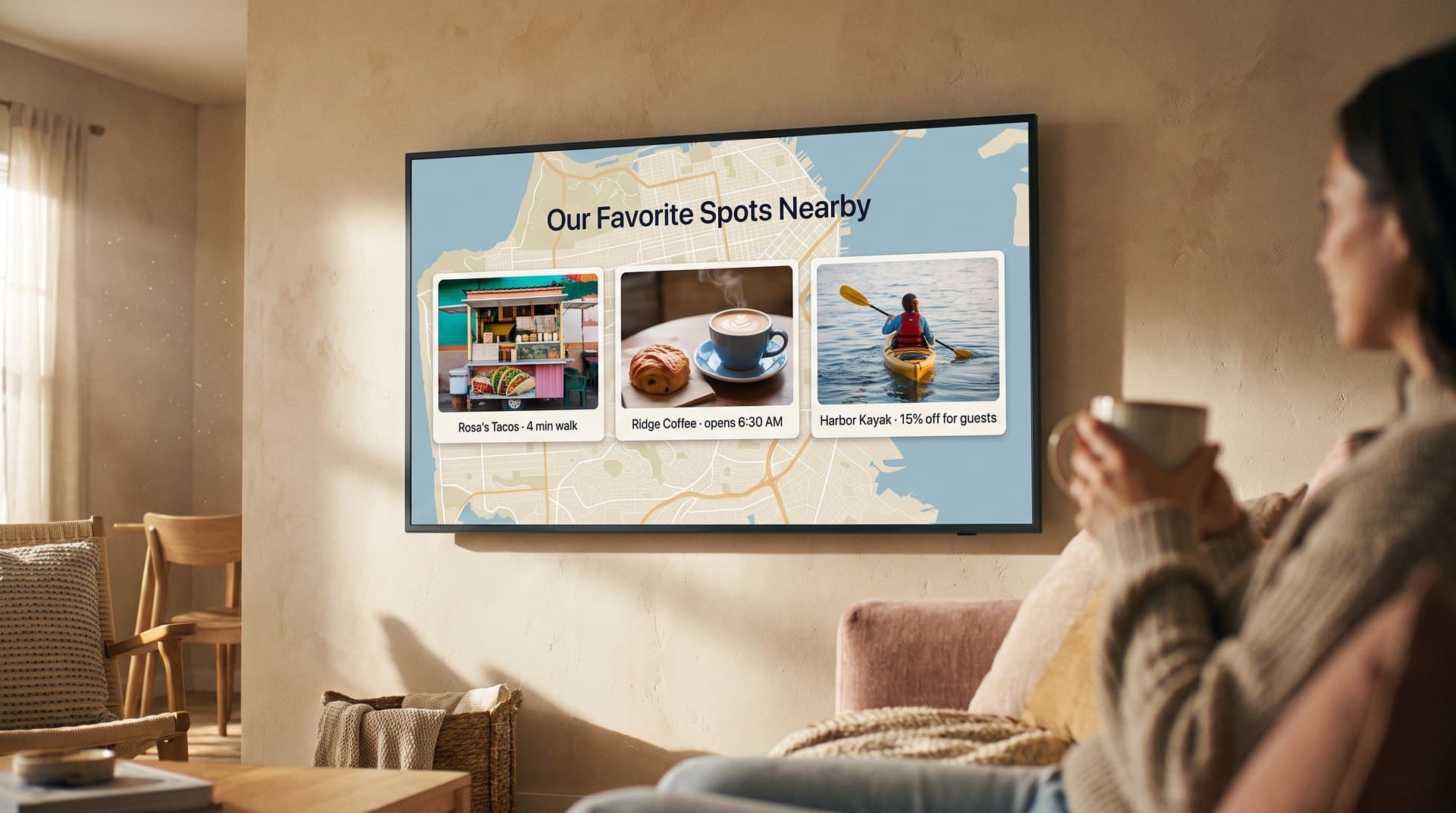
Your favorite taco spot, the coffee place that opens early, the kayak rental down the road. A rotating loop of recommendations makes the stay better — and the five-star review more likely.
Turnover Refresh
New guest name, new dates, new checkout time — edit the welcome screen on the Guests page and it changes on the TV as soon as you save. A turnover takes about as long as reading the booking.
Recommended-Business Slots
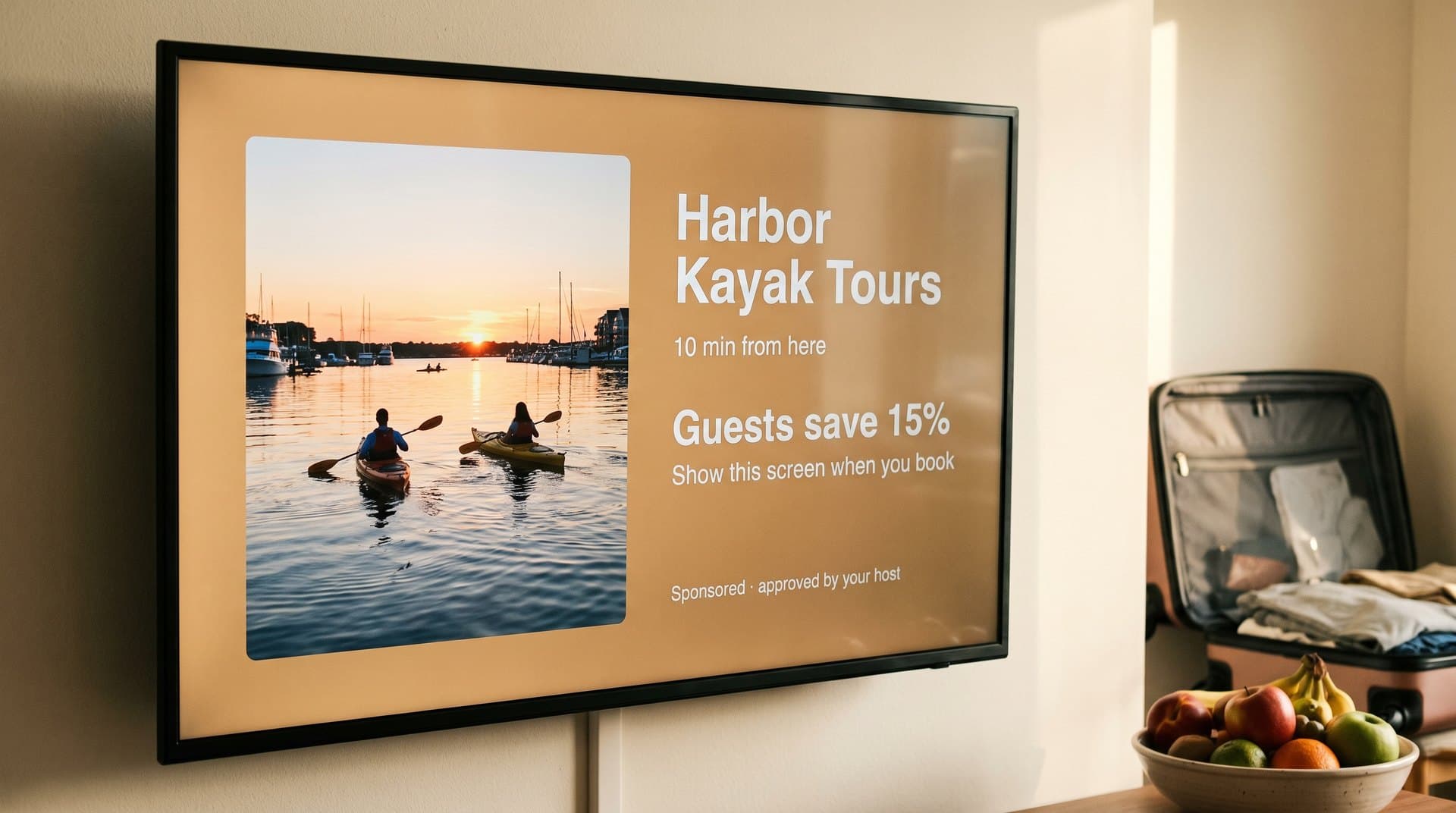
The restaurants and tours you already recommend will pay to be on your screen. Approve each one, decide when they show, and keep 70% of every booking — across every property you manage.
The only signage that pays you back
A rental TV is the most-trusted screen a guest sees all trip — they act on what it recommends. PiAds turns that into income: local restaurants, tours, and rentals book slots through the marketplace, you approve each one, and 70% of the revenue is yours. For managers with several units, one sponsor across all properties adds up fast.
Built for hosts and property managers, not IT teams
Digital signage for short-term rentals, answered
Can the welcome screen change for each guest?
Yes — update names and dates from your phone before check-in, or run a standing welcome template that doesn't need touching. Many hosts do a 30-second edit on turnover day.
How do guests join the Wi-Fi?
Put a Wi-Fi QR code on the welcome screen. Guests scan it with their phone camera and connect without typing a password. Generate the code once and it lives in your media library.
What hardware do I need?
The TV already in the unit plus a Fire TV Stick (PiAds runs natively), an Android TV, a Raspberry Pi, or a browser. Most rentals already have a stick plugged in.
Can guests still watch Netflix?
Yes. PiAds runs as an app on the stick — guests switch to it or back to their streaming apps like any other input. Many hosts set the welcome screen as the default on power-on.
I manage multiple properties — can I see them all?
Every unit's screen lives in one dashboard with live online status. Update one property or push a change to all of them at once.
Will ads bother my guests?
You approve every ad and choose when they appear. Most hosts run their own content 90% of the time with a couple of genuinely useful local partners mixed in — the same places they'd recommend anyway.
What does it cost?
$0 for participating screens that enable approved marketplace ad slots. Hosts keep 70% of cleared ad revenue.
What if the unit's Wi-Fi drops?
The player keeps showing cached content and re-syncs when the connection returns. The Wi-Fi card stays on screen — which is exactly when guests need it.
Keep reading
Screens up in minutes. Use the TV you already own.
$0 for participating screens with approved ad slots — and your venue keeps 70% of cleared revenue.